
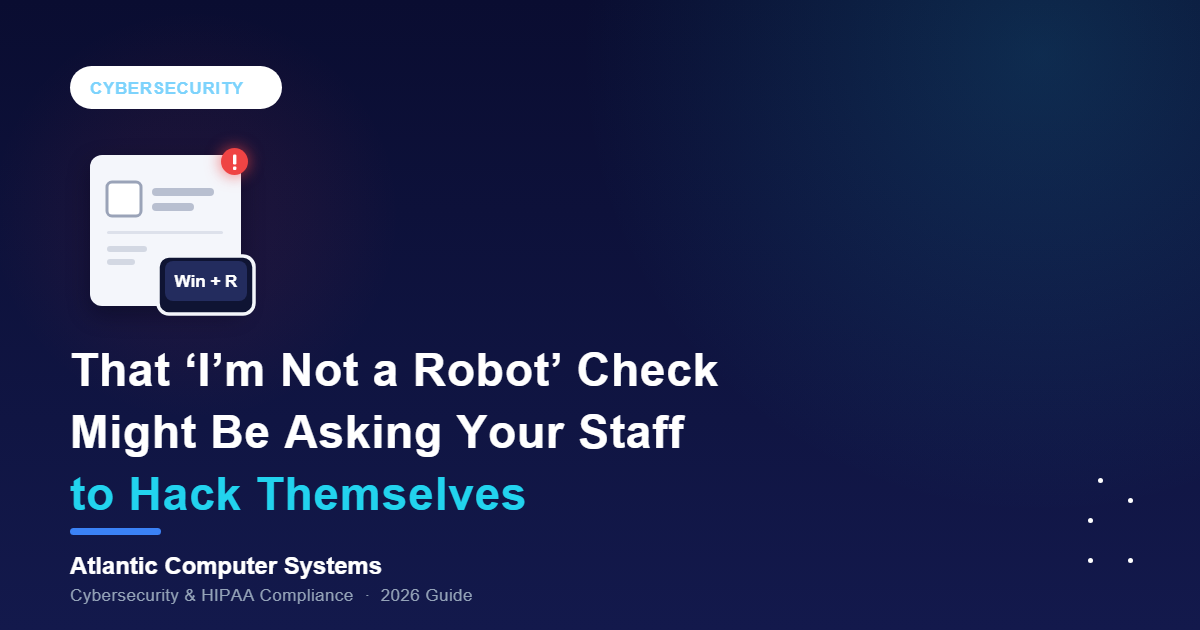
Your front desk clicks “I’m not a robot” on payer portals and vendor sites without a second thought. The fake CAPTCHA scam now hitting healthcare counts on that habit.
The box asks for one extra step, and that step is the attack. ClickFix is a scam in which a fake “verify you’re human” page secretly copies a malicious command to your clipboard, then talks you into pasting and running it yourself. Your email filter has no attachment to catch: your staff member does the installing.
What’s actually happening in 2026
The fake CAPTCHA scam, known as ClickFix, surged in early 2026: Microsoft’s Digital Defense Report 2026 says Microsoft Defender saw ClickFix-style pasted commands run on more than 1.1 million unique devices between February and early May 2026, with weekly volume up about eightfold. In summer 2026 it showed up in healthcare, on fake MyChart pages that show patients alarming lab results.
Epic’s MyChart scam page shows how. After an “AI-powered review” flags “critical patterns in your blood work,” the fake page demands a “human verification check”: Windows key + R, Ctrl+V, Enter. That runs the command hidden on your clipboard. Epic says MyChart “will never tell you to press keyboard shortcuts or to run a command.” The same keystrokes work on any Windows PC at your front desk.
Microsoft says 96.3% of the ClickFix intrusions it observed led to malware. CrowdStrike says its 2026 Global Threat Report documented a 563% increase in incidents involving fake CAPTCHA lures in 2025. A July 2025 FBI-CISA-HHS advisory found the Interlock ransomware group using the same fake CAPTCHAs to get in.
Why this is a HIPAA problem, not just a malware problem
A pasted command runs with the staff member’s access, on a PC likely logged into your EHR and email. Microsoft says ClickFix delivers infostealers and remote-access tools, and stolen passwords get replayed against other logins, like your patient portal.
Under the HIPAA Security Rule, an infected PC is a security incident you must identify, respond to and document (45 CFR 164.308(a)(6)). It isn’t automatically a reportable breach: unauthorized access to unsecured PHI is presumed a breach unless a documented four-factor risk assessment shows a low probability of compromise (45 CFR 164.402). If it doesn’t, you must notify affected patients without unreasonable delay (no later than 60 calendar days after discovery) and report it to HHS. Business associates, like your billing company, must report their breaches to you. Logs are how you prove what the malware didn’t touch.
HIPAA Journal counted 397 breaches affecting 500 or more people reported to HHS OCR in the first half of 2026; 343 were hacking or IT incidents.
What to actually do about it
Most of the fix is removing tools staff never needed, then watching what slips through.
- Disable the Run box for non-IT users: Microsoft recommends turning off Windows+R through Group Policy, though a newer “FileFix” variant uses the File Explorer address bar instead.
- Restrict PowerShell: Microsoft recommends PowerShell logging and Constrained Language Mode, so a pasted command is hobbled or leaves a trail.
- Run monitored endpoint detection and response on every PC: Microsoft says traditional phishing protections won’t catch ClickFix; behavior-based detection flags a paste that launches PowerShell.
- Turn on DNS filtering: the Interlock advisory lists it first; it blocks known malicious sites before a fake check loads.
- Teach staff and patients one rule: no real website asks for keyboard shortcuts to prove you’re human. If someone already did, unplug the PC from the network and call IT at once, no blame: speed limits the damage.
Where ACS fits in
Our free 30-minute cybersecurity assessment checks whether a pasted command could run on your front-desk PCs: Run box and PowerShell restrictions, monitored EDR, DNS filtering, and whether staff know who to call. If nobody manages those settings, that’s what managed IT for medical practices is for.