
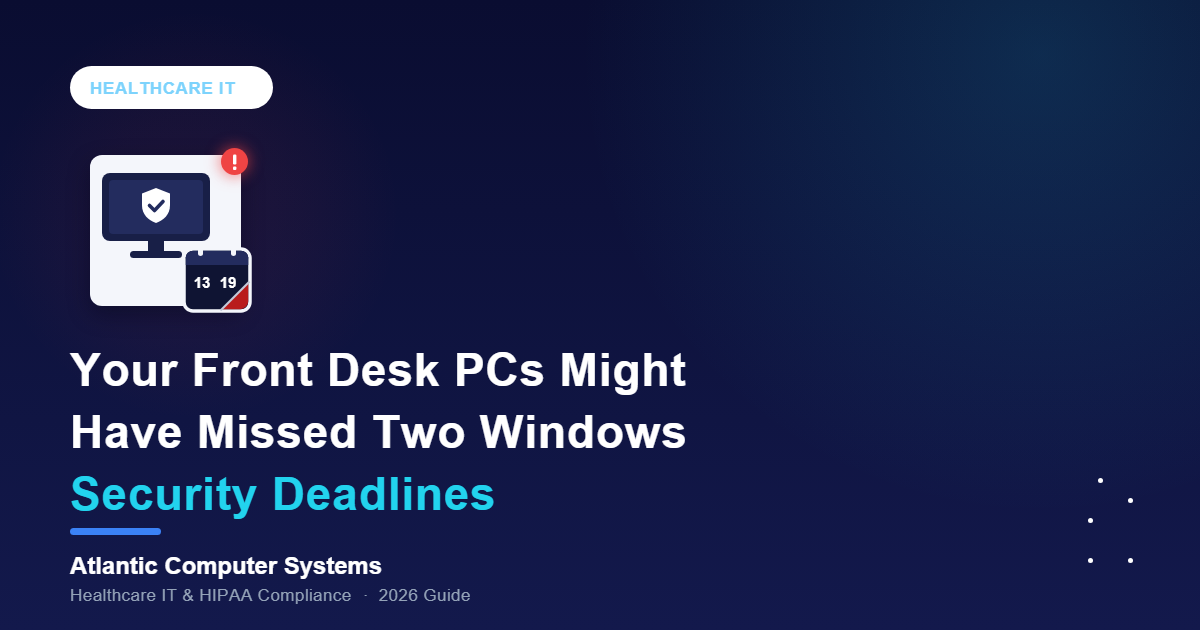
The PCs at your front desk check patients in, run the schedule and keep the EHR open all day. If your practice bought them in late 2024 or 2025, they may have missed two Windows security deadlines in October 2026.
Neither deadline stopped anything from working, which is exactly why they’re easy to miss.
What’s actually happening in 2026
Windows 11 24H2 end of support for Home and Pro editions came on October 13, 2026, after which those PCs get no more security updates, and the Secure Boot certificate that signs the Windows boot loader expired on October 19, 2026, according to Microsoft. Either way the PC keeps starting and working normally, but it stops receiving fixes: all security updates on 24H2 Home or Pro, and new early-boot protections on any PC without Microsoft’s replacement certificates.
Version 24H2 came out in October 2024, so PCs bought since then may have shipped with it. Microsoft supports Enterprise and Education editions of 24H2 until October 12, 2027. BleepingComputer reported in September that Microsoft will upgrade Home and Pro PCs not managed by IT departments to version 25H2 automatically, though users can postpone it, so a PC can stay behind.
Secure Boot helps make sure a PC starts with trusted software. Microsoft is replacing its 2011 Secure Boot certificates with 2023 versions: two expired in June 2026, and the Windows Production PCA 2011 certificate followed on October 19, according to Microsoft support article KB5062710. Most PCs get the new certificates through Windows Update, some also need a firmware update from the PC maker, and Microsoft says only supported Windows versions get them. So a PC stuck on 24H2 can miss both deadlines at once.
Why this is a HIPAA problem, not just an IT problem
HIPAA doesn’t name a Windows version. It does require an accurate and thorough risk analysis, plus security measures that reduce risks to a reasonable and appropriate level (45 CFR 164.308(a)(1)(ii)(A) and (B)). A front desk PC that no longer gets security fixes, yet opens your EHR, email and schedule every day, is a known vulnerability. It belongs in that risk analysis with a dated fix.
Software flaws are a common way in. In Sophos’s State of Ransomware in Healthcare 2025 (October 2025), healthcare organizations hit by ransomware named exploited vulnerabilities as the most common technical root cause, at 33% of incidents.
What to actually do about it
The checks take a few minutes per PC. The fixes need a plan and a date.
- Check the Windows version: open Settings > System > About and look under Windows specifications, because 24H2 on Home or Pro means no more security updates. A PC still running Windows 10 is a separate problem to fix.
- Check Secure Boot status: in Windows Security, open Device security > Secure Boot and look for the message that all required certificate updates have been applied, since Microsoft says a green checkmark alone doesn’t confirm it. Don’t turn Secure Boot off to work around the expiry; Microsoft advises against it.
- Move to 25H2 or 26H2: in Settings > Windows Update, select Check for updates, because Microsoft supports 25H2 Home and Pro until October 12, 2027 and 26H2 into October 2028.
- Save BitLocker recovery keys, then apply the PC maker’s firmware updates: some PCs need new firmware for the certificates, and Microsoft says the certificate update can, in a few cases, trigger BitLocker recovery, which asks for the key.
- Log every lagging PC in your risk analysis with a fix date: HIPAA expects you to find known risks and reduce them, and a dated plan is your record that you are.
Where ACS fits in
Our free 30-minute cybersecurity assessment checks patching, including which Windows versions your PCs run and their Secure Boot status, and flags anything out of support. If nobody tracks updates PC by PC, that’s the gap managed IT services for medical practices closes; see managed IT pricing for what it costs.