

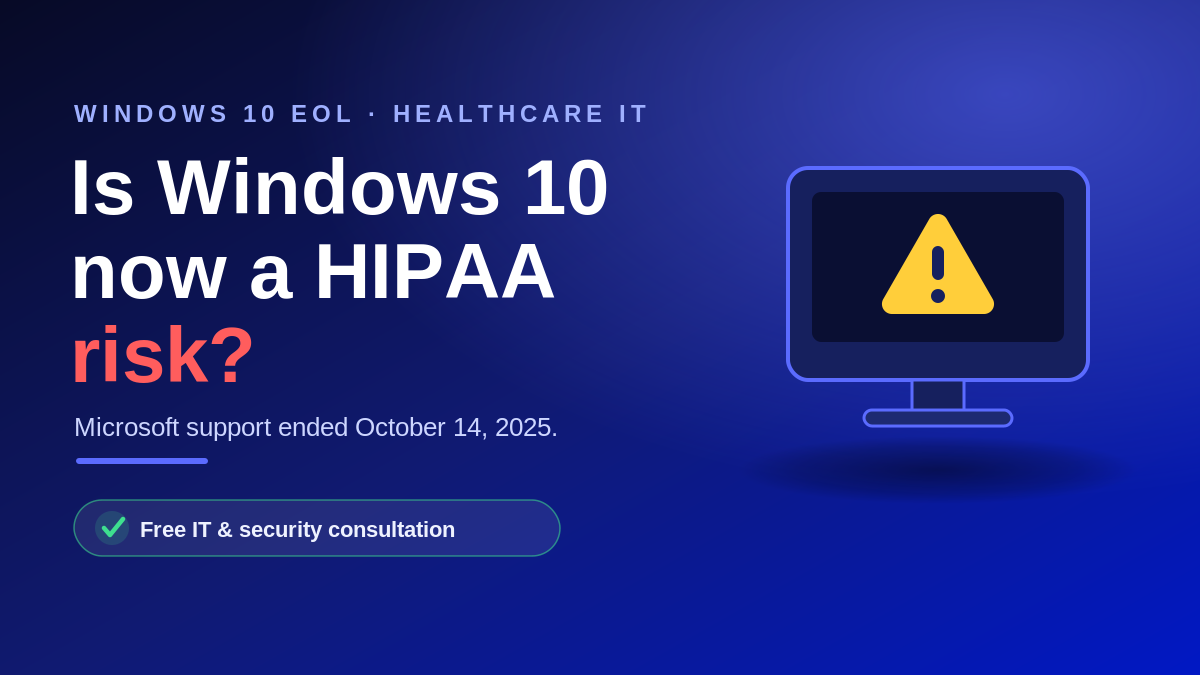
If your medical practice is still running Windows 10, you are now using software that Microsoft no longer supports. Support for Windows 10 ended on October 14, 2025. That date did not make your computers stop working, but it did change your risk picture. For a HIPAA covered entity, an unsupported operating system is more than an IT inconvenience. It is a documented vulnerability that regulators expect you to find and fix. Here is what changed, why it matters for HIPAA, and the realistic choices in front of your practice in 2026.
What “end of support” actually means
As of October 14, 2025, Microsoft stopped providing free security updates, technical support, and feature updates for Windows 10. The machines still boot and your software still opens. The problem is what happens next. When a new vulnerability is discovered, Microsoft will not release a free patch for it, so the hole stays open on every unsupported device in your office.
Attackers know this. Unpatched, end-of-life systems are among the easiest targets in healthcare, and a single exposed workstation can become the entry point to your whole network and the patient records on it.
Why an unsupported OS is a HIPAA problem
The HIPAA Security Rule requires you to protect the confidentiality, integrity, and availability of all electronic protected health information, or ePHI, that your practice creates, receives, maintains, or transmits. That obligation does not pause because a vendor stopped shipping updates.
In its January 2026 Cybersecurity Newsletter on system hardening, the HHS Office for Civil Rights (OCR) defined a legacy system as one whose components are no longer supported by the manufacturer. OCR explained that the Security Rule risk analysis must account for risks from unpatched software, and that the risk management provision requires you to reduce those risks to a reasonable and appropriate level.
Read together, the message is clear. A Windows 10 computer that touches ePHI after October 2025 is, by OCR’s own definition, a legacy system, and continuing to use it without action is not a defensible position. This is exactly the kind of gap a HIPAA risk assessment is meant to surface and document.
Your realistic options in 2026
Most practices have a mix of devices, so the right answer is usually a combination of the following:
- Upgrade eligible PCs to Windows 11. If a computer meets the hardware requirements, including TPM 2.0 and a supported processor, the upgrade is free and is the cleanest long-term fix.
- Buy Extended Security Updates (ESU) as a bridge. For organizations, ESU costs 61 dollars per device for Year One through Microsoft Volume Licensing. The price doubles each year, the purchase is cumulative, and it is available for a maximum of three years. Devices must be on Windows 10 version 22H2. ESU delivers critical and important security patches only, with no new features and no technical support.
- Replace aging hardware. Many practice PCs that cannot run Windows 11 are also near the end of their useful life. Our business hardware guide can help you choose replacements that will last.
- Move to the cloud. Cloud or virtual desktops can deliver a supported Windows 11 experience on older devices and simplify future upgrades.
ESU is a bridge, not a destination
Extended Security Updates buy time to plan a proper migration, not a permanent home. Costs rise every year by design, you still receive no technical support, and the three-year window eventually closes. Use ESU to schedule an orderly transition, not to postpone the decision indefinitely.
Do not forget medical devices and EHR workstations
The trickiest part is rarely the front desk PC. It is the imaging system, lab instrument, or older workstation tied to your electronic health record, often running a pinned Windows version the vendor will not let you upgrade.
OCR’s January 2026 guidance addresses this directly. When a system cannot be patched or upgraded, you are expected to apply compensating controls such as network segmentation, restricting who and what can reach the device, disabling unneeded services, and deploying endpoint detection and response. A layered cybersecurity program is what keeps a device that cannot be retired today from becoming tomorrow’s breach.
A practical path forward
- Inventory every device that creates, stores, or touches ePHI, and record its operating system version.
- Flag every Windows 10 device and decide for each one: upgrade, ESU bridge, or replace.
- Document the decision and any compensating controls in your risk analysis so your reasoning is on paper.
- Set a firm deadline to retire the remaining unsupported systems, and budget for it now.
None of this requires panic. It requires a plan, a written record, and a partner who understands both healthcare technology and HIPAA. That is the core of managed IT for healthcare and ongoing HIPAA compliance support.
Frequently asked questions
Is it illegal to use Windows 10 in a medical practice?
HIPAA does not ban any specific operating system. It requires you to identify and reduce risks to ePHI. Running an unsupported operating system without documented compensating controls is what creates exposure, not the name of the software itself.
How much does Windows 10 ESU cost for a business?
For organizations, Extended Security Updates cost 61 dollars per device for the first year through Microsoft Volume Licensing. The price doubles each subsequent year and is available for up to three years. It is cumulative, so enrolling later still requires paying for the earlier years.
We are still on Windows 10. Does that mean we have to report a breach?
Using Windows 10 is not itself a breach. A breach is the unauthorized access or disclosure of protected health information. The concern is that an unpatched system is far more likely to be exploited, and that exploitation can lead to a reportable breach. Managing the risk now is how you avoid that.
How long do we have if we buy ESU?
Commercial ESU covers Windows 10 version 22H2 for a maximum of three years after the October 14, 2025 end of support date. Treat that window as time to migrate, not as a permanent solution.
Get a clear picture of your exposure
Not sure which of your practice’s computers are still on Windows 10 or whether your older EHR and imaging systems are protected? Atlantic Computer Systems helps healthcare practices across the Bay Area, New England, and nationwide inventory their devices, plan a HIPAA-aligned Windows 11 migration, and document the risk decisions OCR expects to see. Book a free IT and security consultation at https://calendly.com/glewis-acs-tech/free-it-security-assessment or call 1-650-300-7557.


