


Deploying a new office, opening a satellite location, refreshing a fleet, or onboarding a 25+ user team all hit the same six phases — and skipping any of them is what turns a “simple hardware install” into a 6-week firefight. This guide is the practical 2026 IT hardware deployment checklist for SMBs and mid-market firms: what to assess, when to order, how to image, what to test, and how to hand off cleanly to operations.

The 6 Phases
| Phase | Goal | Typical Duration |
|---|---|---|
| 1. Site assessment | Inventory needs; confirm power, network, physical capacity | 1–2 weeks |
| 2. Procurement | Order hardware with appropriate lead time | 2–8 weeks (depends on customization) |
| 3. Imaging & configuration | Prepare devices via Autopilot, MDM, or staging | 1–2 weeks parallel with procurement |
| 4. Network & physical install | Install switches, APs, cabling, firewalls | 1–3 days on-site |
| 5. User deployment | Distribute laptops; assist enrollment | 1–3 days for 25–100 users |
| 6. Handoff | Documentation; helpdesk runbooks; lessons learned | 1 week post-deployment |
Phase 1 — Site Assessment
- Floor plan with planned seat count and density
- Power: outlet count, panel capacity, UPS needs
- Network: ISP service, demarc location, room for switch / firewall / patch panel
- Wi-Fi: AP placement based on coverage analysis
- Physical security: badge access, server room locks, camera coverage
- Compliance: PCI/HIPAA/SOC 2 zoning if applicable
Phase 2 — Procurement Lead Times

| Item | 2026 Lead Time |
|---|---|
| Standard business laptop (T-series, EliteBook) | 2–4 weeks |
| Custom-spec laptop or mobile workstation | 4–8 weeks |
| Desktop / mini PC | 2–3 weeks |
| Monitors | 1–2 weeks |
| Switches, APs, firewalls | 2–6 weeks (Cisco/Aruba/Meraki) |
| Cabling and structured rack | 1–3 weeks (in-stock) |
| VoIP phones, conference equipment | 2–4 weeks |
Phase 3 — Imaging and Configuration
- Use Autopilot (Windows) or Apple Business Manager (macOS) for zero-touch deployment
- Pre-configure user-affinity profile so the device joins Entra ID / domain on first boot
- Deploy required apps via Intune deployment profiles
- Verify EDR is reporting before shipping to user
- Apply BitLocker / FileVault encryption with key escrow
- Document the gold image build with version and date
Phase 4 & 5 — Install and Deployment
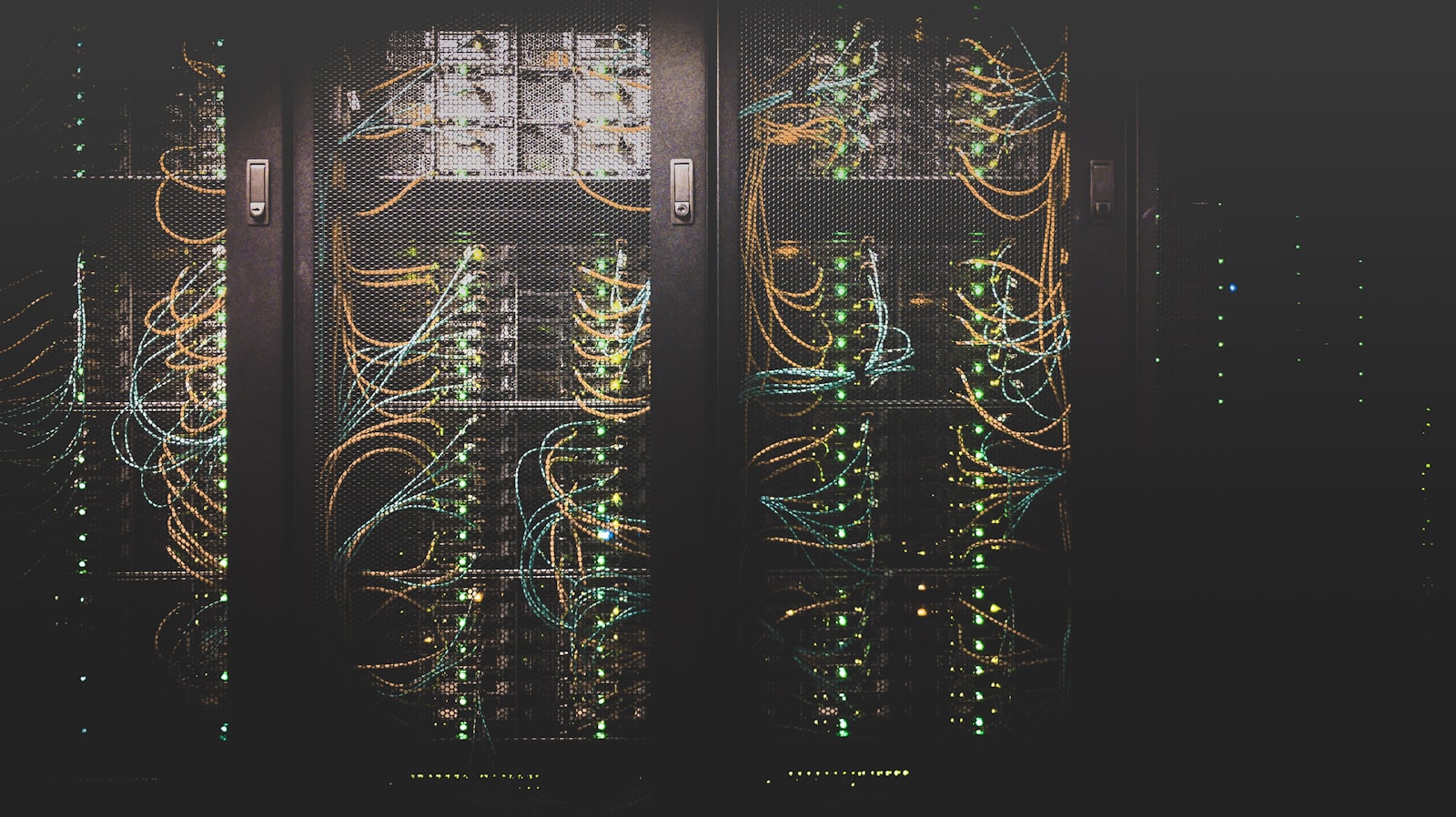
- Network gear installed and tested before user-deployment day
- Test ISP, firewall, switching, Wi-Fi, and SaaS access end-to-end
- Stage user laptops at a central table; one technician per 8–12 users
- Plan for 30 minutes per user (laptop pickup, MFA enrollment, app verification)
- Have the helpdesk dial-in available for any user-side issues
- Track deployment status on a shared sheet visible to the team
Phase 6 — Handoff and Documentation
- Network diagram with VLANs, firewall rules, and IP scheme
- Asset inventory updated in your CMDB / asset tool
- Helpdesk runbook for common location-specific issues
- Wi-Fi password and join instructions in the KB
- Office-specific welcome guide for new hires
- Post-deployment retrospective with lessons learned
Common Failure Modes
- Site assessment skipped; install day blocked by power or cabling issue
- Hardware ordered too late; users without devices on day one
- Imaging done day-of instead of pre-configured
- Network gear installed but firewall rules not tested before users arrive
- No helpdesk support staffed for the deployment day
- Documentation never produced; next deployment repeats the same mistakes
Frequently Asked Questions
How long does an end-to-end deployment take?
For a 25–50 user new office: 8–12 weeks elapsed time including assessment, procurement, imaging, and on-site install. Smaller refreshes can compress to 4–6 weeks.
Should we use the MSP for deployment or hire contractors?
MSP is usually faster — they own the gold image, the MDM enrollment, and the network architecture. Contractors are useful for cabling and physical install in coordination with the MSP.
Bottom Line
Hardware deployment is mostly a planning exercise. Phases 1–3 (assessment, procurement, imaging) determine whether phases 4–5 (install, user deployment) go smoothly.
Planning a deployment or office build-out? ACS runs hardware deployments for U.S.-based SMBs and mid-market firms. Contact us.


