
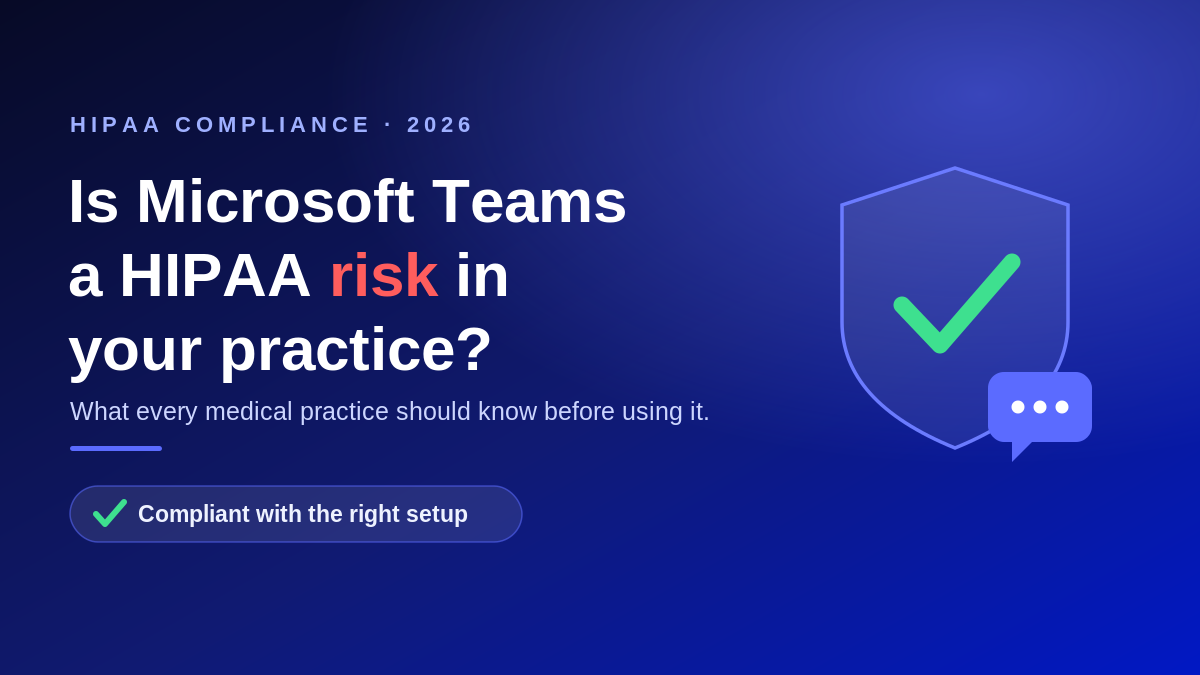
Microsoft Teams runs the daily workflow inside a huge number of medical practices. Providers use it for internal chat, video visits, screen sharing with billing staff, and quick messages about patients between exam rooms. That raises a fair question that we hear on almost every discovery call: is Microsoft Teams HIPAA compliant, and are we allowed to discuss patients in it?
The short answer is that Microsoft Teams can be used in a HIPAA compliant way, but it is never compliant on its own. Compliance depends on your subscription, a signed agreement with Microsoft, and how your practice configures and uses the tool. Here is what that actually means.
Is Microsoft Teams HIPAA compliant by default?
No. No software is HIPAA compliant out of the box. HIPAA compliance is a property of how an organization uses a tool, not a badge the tool carries. There is currently no government certification that proves a vendor is HIPAA compliant, and Microsoft states this directly in its own compliance documentation.
What Microsoft does provide is a foundation you can build on. Teams is included in the list of Microsoft services covered by Microsoft’s Business Associate Agreement, and the underlying platform supports the encryption, access control, and audit logging that the HIPAA Security Rule requires. The rest is on you.
You need a Business Associate Agreement with Microsoft
Under HIPAA, when a covered entity uses a cloud vendor that creates, receives, maintains, or transmits protected health information, that vendor becomes a business associate. HIPAA requires a signed Business Associate Agreement (BAA) before any protected health information changes hands. Skipping the BAA is one of the most common and most penalized mistakes practices make.
The good news is that Microsoft makes this straightforward. The Microsoft HIPAA Business Associate Agreement is incorporated by default into the Microsoft Products and Services Data Protection Addendum for eligible commercial and enterprise customers. In plain terms, if you are on a qualifying paid Microsoft 365 or Office 365 plan, the BAA already applies to in-scope services including Teams. Two important caveats:
- Consumer and free versions of Teams are not covered commercial services, so they should never be used to handle patient information.
- Having a BAA does not make you compliant. Microsoft is explicit that a BAA supports your compliance but does not achieve it. Your practice is still responsible for its own safeguards, policies, and training.
What you have to configure on your side
A BAA covers the platform. The HIPAA Security Rule still requires your practice to put administrative, physical, and technical safeguards in place around how you actually use Teams. The most important steps include:
- Complete a HIPAA risk analysis that includes Teams and document how patient information flows through it.
- Enforce multi factor authentication and conditional access so only authorized staff on trusted devices can reach patient conversations.
- Set retention and messaging policies through Microsoft Purview so chats are governed, retained, and auditable.
- Restrict guest access and external sharing so PHI does not leak to outside accounts.
- Train staff on what is and is not appropriate to send in a chat, and turn on audit logging so activity can be reviewed after an incident.
Skip these and Teams stops being a compliant channel, even with a signed BAA in place. This is the same principle we cover in our guide to Microsoft 365 HIPAA compliance setup, since Teams inherits its security posture from your broader Microsoft 365 configuration.
What about Teams for telehealth?
Teams video meetings can be used for telehealth when the BAA is in place and the environment is configured correctly. Encryption protects the session, and access controls keep uninvited participants out. The practical risks are usually human rather than technical: sending a link to the wrong patient, staff joining from an unsecured personal device, or recordings saved to a location that is not governed. Handling video the right way follows the same logic we walk through for whether Zoom is HIPAA compliant. The platform can be safe; the setup decides whether it is.
The bottom line for medical practices
Microsoft Teams is a strong, HIPAA-capable platform when three things are true: you are on an eligible paid plan, Microsoft’s BAA applies, and your practice has configured access, retention, and monitoring to meet the Security Rule. Miss any one of those and you have a compliance gap that could surface during an audit or a breach investigation. The same discipline applies to every patient channel you run, from video to HIPAA compliant email. If you are not sure where your practice stands, a proper HIPAA risk assessment is the fastest way to find out.
Frequently asked questions
Is the free version of Microsoft Teams HIPAA compliant?
No. Free and consumer versions of Teams are not covered by Microsoft’s Business Associate Agreement, so they should not be used to store, send, or discuss protected health information. Only eligible paid commercial and enterprise plans are in scope.
Do I have to sign a separate BAA for Teams?
Usually not. For eligible commercial and enterprise subscriptions, the Microsoft HIPAA Business Associate Agreement is incorporated by default into the Microsoft Products and Services Data Protection Addendum and covers in-scope services including Teams. You should still confirm your specific plan qualifies.
Does a BAA with Microsoft make my practice HIPAA compliant?
No. Microsoft states that a BAA supports your compliance but does not achieve it. Your practice must still run a risk analysis, apply safeguards such as multi factor authentication and access controls, set retention policies, train staff, and document everything.
Can we use Teams chat to message about patients?
Yes, if you are on an eligible plan with the BAA in place and Teams is configured with proper access controls, retention, and audit logging. The messages must stay inside your governed tenant and not be forwarded to personal or external accounts.
Is Teams HIPAA compliant for telehealth video visits?
Teams meetings can support telehealth when the BAA applies and the environment is hardened. Encryption and access controls protect the session, but your practice is responsible for secure links, device policies, and how any recordings are stored.
Talk to a healthcare IT team that does this every day
Atlantic Computer Systems helps medical, dental, and behavioral health practices configure Microsoft 365 and Teams the right way, confirm the BAA is in place, and close the gaps that show up in audits. If you want a clear answer on whether your Teams setup is protecting patient information, book a free IT and security consultation at our scheduling page or call us at 1-650-300-7557. We will review where you stand and show you exactly what to fix.