
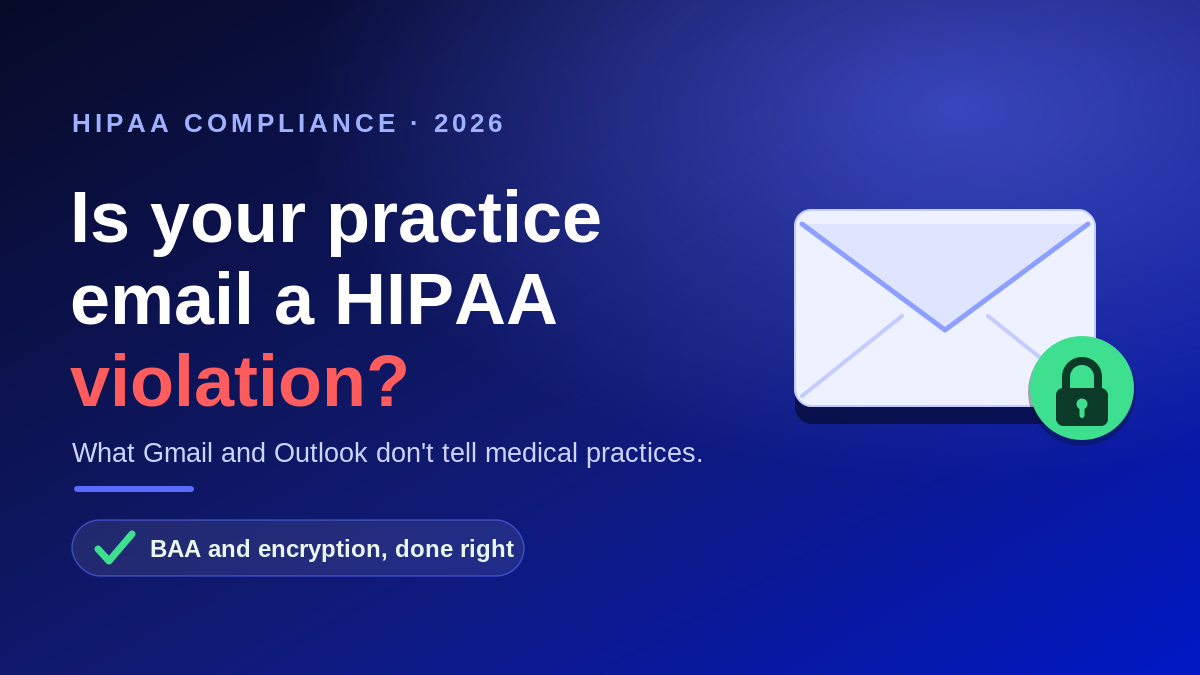
Email is the quiet workhorse of every medical and dental practice. Appointment reminders, referrals, lab results, billing questions, and vendor coordination all move through the inbox. That convenience is also a liability. In its 2025 Healthcare Data Breach Report, the HIPAA Journal found that hacking and IT incidents accounted for 83.3 percent of large breaches, and nearly a quarter of those breaches, 24.9 percent, involved compromised email accounts. If patient information travels through your inbox, one question is not academic: is your email HIPAA compliant?
The short answer is that HIPAA does not ban email. It requires you to protect it. Building HIPAA compliant email in 2026 comes down to a handful of safeguards working together, and here is what they are.
What makes email HIPAA compliant?
HHS has stated plainly that the Security Rule allows a covered entity to send electronic protected health information (ePHI) over an open network like the internet, as long as the information is adequately protected. So HIPAA compliant email is less about a single product and more about the controls around it.
- A signed Business Associate Agreement (BAA) with any vendor that transmits, stores, or processes your PHI. Without a BAA, using a service for PHI is a violation on its own.
- Encryption of messages in transit and at rest, so intercepted mail cannot be read.
- Access controls such as unique logins, strong passwords, and multi-factor authentication.
- Audit logging so you can see who accessed what and when.
- Workforce training and policies that spell out what staff may and may not send.
Miss any one of these and the brand on your inbox does not save you. Compliance is the configuration, not the logo.
Is Gmail HIPAA compliant? Is Outlook HIPAA compliant?
It is the most common question we hear, and the honest answer is that it depends on which version you use and how it is set up.
Google Workspace (Gmail)
Google will sign a BAA for its paid Google Workspace plans, and that agreement covers Gmail when the account is configured correctly. Free consumer accounts that end in @gmail.com are not covered and must never be used for PHI. A paid subscription, a signed BAA, and the right settings are the baseline.
Microsoft 365 (Outlook)
Microsoft includes a BAA for its paid commercial Microsoft 365 plans through its data protection terms, and it covers Exchange Online, the engine behind Outlook. Free Outlook.com accounts do not qualify. Microsoft is also clear that having a BAA does not make you compliant by itself. You still have to turn on encryption and the right controls, which we walk through in our guide to setting up Microsoft 365 for HIPAA.
The encryption question: addressable today, mandatory tomorrow
Under the current Security Rule, encryption is an addressable specification. That word causes trouble because it sounds optional. It is not. Addressable means you must implement encryption where it is reasonable and appropriate, or document a specific, equally effective alternative. In practice, the Office for Civil Rights rarely accepts a weak substitute for encrypting mail that carries PHI.
This is also changing. In a Notice of Proposed Rulemaking published in the Federal Register in January 2025, HHS proposed making encryption of ePHI mandatory both in transit and at rest, removing the addressable label. As of mid-2026 that rule is still proposed, not final, and federal timelines now point toward a final action around 2027. Practices that encrypt now will be ready either way.
What happens if you get it wrong?
A single misdirected or intercepted email can trigger a reportable breach. Civil penalties adjusted for inflation took effect on January 28, 2026, and range from roughly $145 per violation at the low end to an annual cap near $2.19 million for willful neglect that goes uncorrected. Add breach notification costs, damage to patient trust, and lost referrals, and an unprotected inbox becomes an expensive gamble.
How to set up HIPAA compliant email at your practice
- Move off any free or personal email for anything that involves patients.
- Execute a BAA with your email provider and keep a copy on file.
- Turn on encryption for external messages and enforce multi-factor authentication.
- Set retention, audit logging, and data loss prevention rules.
- Train staff on what can be emailed, and give them a secure channel for the rest.
For most practices, the fastest path is to have this configured and monitored as part of managed IT services for healthcare, backed by a formal HIPAA risk assessment and layered cybersecurity. If you are not sure whether your current setup would survive an audit, our HIPAA compliance services team can tell you.
Talk to a HIPAA IT specialist
Atlantic Computer Systems helps medical, dental, and behavioral health practices secure email and the rest of their technology without slowing down the front desk. Book a free IT and security consultation and we will review whether your email is truly HIPAA compliant and show you where the gaps are. Schedule at our free consultation calendar or call 1-650-300-7557.
Frequently asked questions
Is regular Gmail HIPAA compliant?
Free consumer Gmail is not, because Google will not sign a Business Associate Agreement for it. A paid Google Workspace plan with a signed BAA and correct settings can be used for PHI.
Does a BAA alone make my email HIPAA compliant?
No. A BAA is required, but you still have to enable encryption, access controls, audit logging, and staff policies. Both Microsoft and Google state that the agreement is only one piece of compliance.
Do I have to encrypt every email?
Encryption is currently an addressable specification, meaning you must use it where reasonable or document an equally effective alternative. A proposed 2025 rule would make it mandatory. Encrypting any message that contains PHI is the safe standard today.
Can I email patients their test results?
Yes, if you use a compliant, encrypted system and the patient has been informed of the risks of standard email. Many practices route anything sensitive through a secure portal or encrypted email.
What is the penalty for sending PHI in an unencrypted email?
Penalties depend on culpability and range from about $145 per violation to an annual cap near $2.19 million as of January 28, 2026. A breach can also require notification to affected patients and to HHS.