
Telehealth is now a permanent fixture in American healthcare, and Zoom is one of the first platforms medical practices reach for. It is familiar, easy for patients, and already installed on most devices. But familiarity is not the same as compliance. When the federal government ended its COVID-era leniency for telehealth, every virtual visit went back under the full weight of the HIPAA Rules. So the question many practice owners are asking is a fair one: is Zoom HIPAA compliant, and is your current setup actually safe to use with patients?
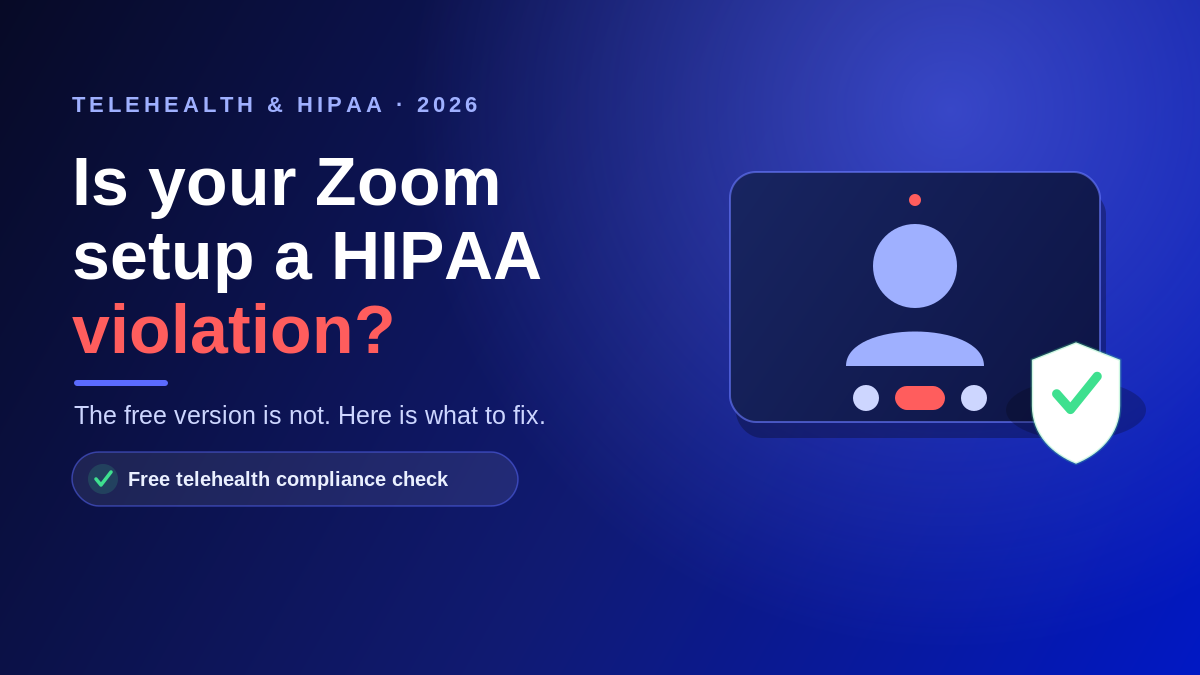
The short answer is yes, Zoom can be HIPAA compliant, but only under specific conditions. The version most people download for free is not.
Is Zoom HIPAA compliant? The short answer
Zoom is HIPAA compliant when a healthcare organization uses an eligible paid plan, signs a Business Associate Agreement (BAA) with Zoom, configures the platform correctly, and uses it in line with HIPAA. Miss any one of those steps and the same software stops being compliant. Zoom is treated as a business associate under HIPAA because it transmits and stores protected health information (PHI) on your behalf, which is why the paperwork and configuration matter as much as the technology.
Why free and personal Zoom accounts are not compliant
Zoom will not sign a BAA for its free tier. Without a signed BAA, sharing any PHI over Zoom is a HIPAA violation, no matter how careful the clinician is on the call. Free and basic accounts also lack the administrative controls the HIPAA Security Rule expects, such as enforced access restrictions and detailed event logging.
This trips up a lot of smaller practices. A provider signs up for a personal account during a busy week, starts seeing patients on it, and never realizes the account was never eligible for a BAA in the first place.
What a HIPAA-compliant Zoom setup requires
To use Zoom safely with patients, a practice needs all of the following in place:
- An eligible paid plan. Zoom offers HIPAA support on qualifying Business, Enterprise, and Zoom Workplace for Healthcare plans, not on free accounts.
- A signed BAA with Zoom. Zoom uses its own standard BAA. Covered entities cannot substitute their own version, and PHI should not be shared until it is executed.
- Correct configuration. Turning on the healthcare settings enables protections like access and authentication controls, event logging, and AES 256-bit encryption, and it disables certain AI features that are not covered under the BAA.
- Trained staff. Everyone who hosts visits should know how to verify patient identity, admit patients from the waiting room, and avoid recording or sharing more than the minimum necessary.
Zoom Workplace for Healthcare, formerly Zoom for Telehealth, is the tier built specifically for clinical use, with event logs and integrations that support electronic health record workflows.
The platform is compliant. Is your practice?
Here is the part that surprises people: a HIPAA-compliant platform does not make your practice HIPAA compliant. OCR ended its COVID-19 telehealth enforcement discretion, with the transition period closing on August 9, 2023. Since then, every telehealth encounter has been expected to meet the full HIPAA Privacy, Security, and Breach Notification Rules. That responsibility sits with you, not with Zoom.
In practice, that means:
- Conducting a documented HIPAA security risk analysis that includes your telehealth tools.
- Confirming a signed BAA is on file with Zoom and with every other vendor that touches PHI.
- Restricting who can host and access recorded visits, and storing any recordings securely.
- Training staff and verifying patient identity at the start of each visit.
The same logic applies to the other tools in your stack. If your team runs visits or messages through Microsoft Teams and Microsoft 365, or communicates by texting patients, each of those channels needs its own BAA and configuration review. A broader look at telehealth security shows how quickly the gaps add up when nobody owns the setup.
Getting it right without guesswork
Most compliance problems we see are not caused by bad software. They are caused by good software that was never configured, documented, or paired with a BAA. That is fixable. Working with a partner that provides managed IT services for healthcare and structured HIPAA compliance services means your telehealth stack is set up correctly once and monitored from then on, so a routine virtual visit never turns into a reportable breach.
Frequently asked questions
Is the free version of Zoom ever HIPAA compliant?
No. Zoom does not offer a Business Associate Agreement for free or basic personal accounts, so they cannot be used to share protected health information. A qualifying paid plan with a signed BAA is required.
Do I really need a BAA if Zoom is already encrypted?
Yes. Encryption is only one HIPAA safeguard. Because Zoom handles PHI on your behalf, it is a business associate, and HIPAA requires a signed BAA before any PHI is shared. Zoom uses its own standard BAA that you accept rather than replace.
When did telehealth have to become fully HIPAA compliant again?
OCR’s COVID-19 telehealth enforcement discretion ended after a transition period that closed on August 9, 2023. Since then, telehealth visits must meet the full HIPAA Privacy, Security, and Breach Notification Rules.
Is Microsoft Teams or Google Meet a better HIPAA option than Zoom?
Each can be configured for HIPAA use on the right paid plan with a signed BAA. The better choice depends on your existing systems, your EHR, and how your staff already work. The setup and documentation matter more than the brand.
Who is responsible if a Zoom telehealth visit leads to a breach?
The covered entity is responsible for configuring the platform, training staff, and using it within HIPAA. Zoom is responsible for the safeguards described in its BAA. Both roles matter, which is why documentation is essential.
Talk to a healthcare IT team before your next virtual visit
If you are not completely sure your telehealth setup has a signed BAA and the right configuration behind it, that uncertainty is worth resolving now rather than during an audit or after an incident. Atlantic Computer Systems helps medical, dental, and behavioral health practices across the Bay Area, New England, and the rest of the country run telehealth the compliant way. Book a free IT and security consultation at our scheduling page or call 1-650-300-7557, and we will review your video, messaging, and EHR tools for the gaps that matter.