
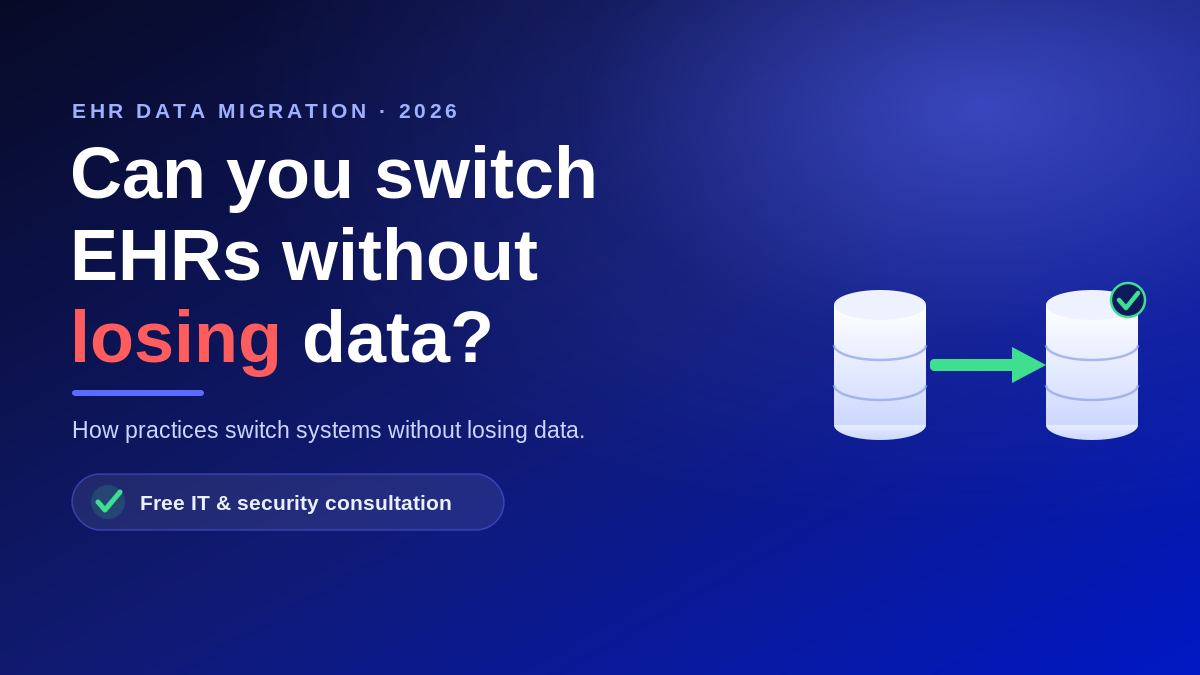
Switching electronic health record systems is one of the highest stakes projects a medical practice will ever run. Nearly nine in ten office-based physicians used a certified EHR in 2024, so almost every practice that changes vendors is moving years of patient charts, images, and billing history from one platform to another. That transfer is the EHR data migration, and when it goes wrong the result is lost records, days of downtime, and a HIPAA problem. Done right, it is invisible to patients. This guide explains what the process involves, what it costs, and how to plan one safely.
What EHR data migration actually involves
EHR data migration is the structured transfer of clinical and administrative data from a legacy system into a new one. It is far more than exporting a spreadsheet. A complete migration has to account for structured fields such as demographics, medications, allergies, and lab results, along with unstructured items like scanned documents and diagnostic images. Each of those has to be mapped to the right field in the new system and then validated so a chart reads correctly in the exam room.
Most practices underestimate the mapping work. Two systems rarely store data the same way, so a migration team has to translate one vendor’s structure into another and confirm nothing was dropped or duplicated. This is why dedicated EHR support matters more during a switch than at almost any other time.
Why practices migrate in the first place
A Black Book survey of roughly 17,000 EHR users found about 23 percent of practices were frustrated enough to consider switching vendors, often because the system did not fit their specialty or connect to other software. Practices also migrate when a vendor sunsets a product, when they move to the cloud, or when a group merges onto one system. In every case, the same fear holds people back: losing data and disrupting the schedule.
The three risks that make migrations fail
Almost every migration horror story comes down to one of three issues. Planning for them is what separates a smooth cutover from a crisis.
- Data loss or corruption. Records that are mapped incorrectly, truncated, or skipped can leave a provider without a full history at the point of care.
- Downtime. If the cutover is not sequenced carefully, the practice can lose access to charts and scheduling during business hours, which stalls patient flow.
- HIPAA exposure. Migrated records are electronic protected health information, so the HIPAA Security Rule safeguards still apply during the transfer, and any vendor that touches the data must sign a business associate agreement.
The stakes are not hypothetical. 2025 was the worst year on record for large healthcare breaches, with 772 breaches of 500 or more records reported to federal regulators. A migration moves your entire patient database at once, so it is the moment to tighten security, not relax it. Folding the project into your ongoing HIPAA compliance program keeps the transfer defensible.
What does EHR data migration cost?
There is no single price, because cost tracks the work involved rather than a flat rate. The main drivers are:
- The volume and age of the data, and how many years of history you choose to migrate
- How cleanly the old system exports, and how different the two data structures are
- Whether images and scanned documents come across, not just structured fields
- How much validation, testing, and staff training the cutover requires
A practice that migrates only active patients and archives the rest will spend far less than one moving every historical record. Because these variables swing the number widely, treat any quote that arrives without discovery as a guess. For how healthcare IT is priced, see our guide to what managed IT should cost.
How to plan a migration that does not lose data
A disciplined migration follows a repeatable sequence. Before you commit to a go-live date, confirm your provider will do the following:
- Run a full data inventory and field mapping, then a test migration into a staging environment
- Validate a sample of real charts against the source system before cutover
- Keep the legacy system readable, or archive its data, so nothing is stranded
- Sequence the cutover around clinic hours with a documented rollback plan
- Sign a business associate agreement and update your HIPAA risk assessment to include the migration
If you are weighing a switch and want a second set of eyes on the plan, that is exactly what a review is for. Atlantic Computer Systems provides healthcare-focused managed IT for healthcare and EHR migration support for practices across the Bay Area, New England, and nationwide. Book a free IT and security consultation at our scheduling page, or call 1-650-300-7557, and we will map out your data, your risks, and a safe path to the new system with no obligation.
Frequently asked questions
How long does an EHR data migration take?
For a small to mid-sized practice, planning, mapping, testing, and cutover usually run several weeks to a few months, depending on data volume, how cleanly the old system exports, and how much validation you build in. Rushing the testing phase is the most common cause of go-live problems.
Will we lose data when we switch EHR systems?
Not if the migration is planned properly. Data loss happens when fields are mapped incorrectly or records are skipped. A test migration into a staging environment, followed by validation of real charts against the source system, is what confirms everything came across before you go live.
Is EHR data migration covered by HIPAA?
Yes. The records you move are electronic protected health information, so the HIPAA Security Rule safeguards apply throughout the transfer. Any vendor that stores or handles the data during the migration is a business associate and must sign a business associate agreement.
Should we migrate all historical data or archive some of it?
Many practices migrate active patients and a defined window of history, then keep the legacy data in a secure, readable archive to satisfy retention rules. This lowers cost and speeds the cutover while keeping older records available if you need them.