
Medical, dental, and aesthetic practices are moving patient outreach, intake, and follow-up into customer relationship management (CRM) platforms. The problem is that the moment a CRM holds a patient name next to a phone number, an appointment, or a treatment note, it is holding protected health information (PHI). Choose the wrong platform, or set the right one up carelessly, and a HIPAA compliant CRM turns into a compliance gap instead of a growth tool.
Does your CRM need to be HIPAA compliant?
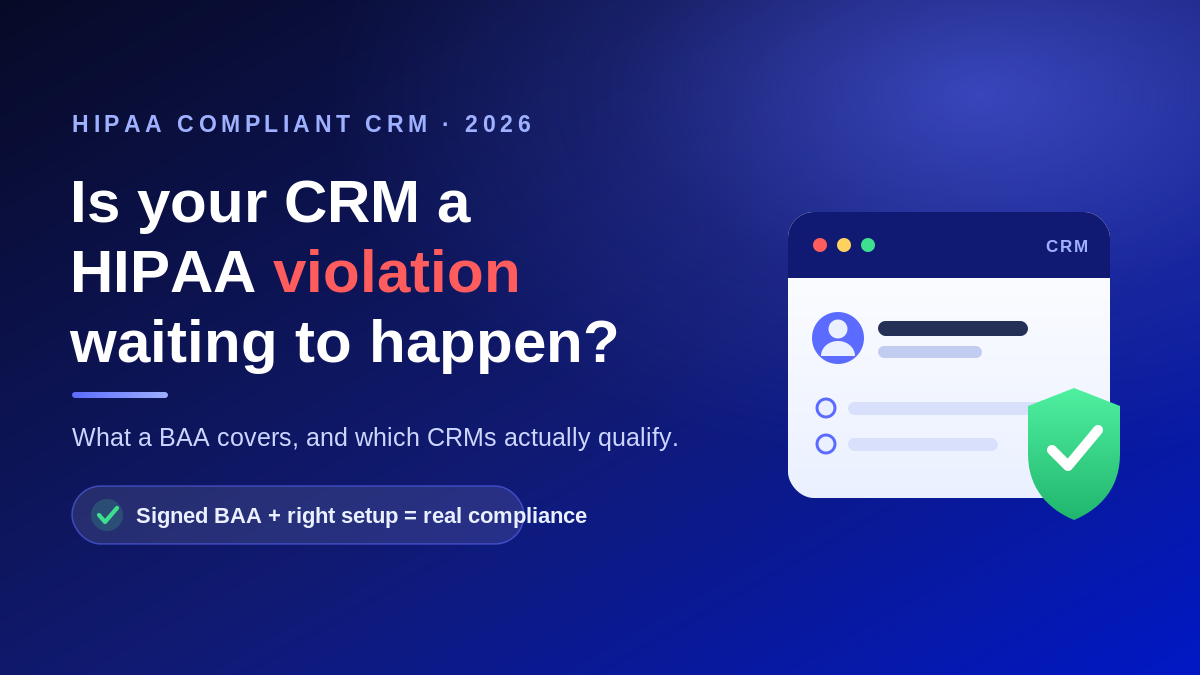
If your CRM creates, receives, stores, or transmits PHI, then yes. Under HIPAA, any vendor that handles PHI on your behalf is a business associate, and you are required to have a signed Business Associate Agreement (BAA) with that vendor before any patient data goes in. A BAA is the contract that binds the vendor to HIPAA’s Privacy and Security Rules and spells out permitted uses, safeguards, and breach reporting. No BAA means no PHI in the system, full stop.
“HIPAA compliant” is not a certification
There is no government HIPAA certification for software. The HHS Office for Civil Rights does not review, certify, or endorse any product as compliant, so a “HIPAA compliant” or “HIPAA certified” badge on a vendor website is a self-assessment, not a seal of approval. What actually matters is whether the vendor will sign a BAA, what that BAA covers, and how you configure and use the system. Compliance is a shared responsibility between the platform and your practice.
What makes a CRM HIPAA compliant
When you evaluate a platform, look past the marketing and confirm it can support the following:
- A signed BAA that covers the specific CRM features you plan to use with PHI.
- Encryption of data at rest and in transit.
- Role-based access controls and a unique login for every user.
- Audit logs that record who viewed or changed each record.
- Breach notification support and clear data-handling terms.
These map directly to the HIPAA Security Rule safeguards your practice is already accountable for. A confidential HIPAA risk assessment is the cleanest way to document that a new CRM meets them before you go live.
Where popular CRMs stand
Most mainstream CRMs can be used compliantly, but only on specific plans and only after a BAA is in place:
- HubSpot: HIPAA support has been generally available since September 2024, but only on Enterprise tiers with a signed BAA. Free, Starter, and Professional accounts are not HIPAA eligible, and only the services named in your BAA are covered.
- Salesforce: Health Cloud and the Enterprise, Unlimited, and Performance editions are HIPAA eligible with a BAA arranged through a Salesforce account executive. Apps added from AppExchange are separate vendors that need their own BAAs.
- Zoho CRM: Will sign a BAA and offers encrypted fields, restricted access, and audit logs for records that contain PHI.
- monday.com: Offers a BAA on its Enterprise plan. Downgrading to a lower plan ends HIPAA coverage.
The lesson is consistent. The brand name does not make you compliant. The edition, the signed BAA, and your configuration do.
The marketing trap most practices miss
CRMs are built to run campaigns, and that is where practices get into trouble. The HIPAA Privacy Rule generally requires a patient’s prior written authorization before you use their PHI for marketing, with only narrow exceptions such as a face-to-face conversation or a gift of nominal value. Appointment reminders and treatment-related messages are usually fine, but promoting a new cosmetic service to a filtered list of past patients can cross the line. Keep signed authorizations for at least six years, and make sure your HIPAA compliant email and CRM workflows keep clinical communication separate from marketing.
Make the CRM part of a compliant system
A CRM does not live alone. It connects to your email, your phone system, your website forms, and often your EHR, and every one of those handoffs can leak PHI if it is not secured. That is why it helps to treat CRM selection as part of your broader HIPAA compliance and managed IT for healthcare strategy rather than a standalone software purchase. The right partner confirms the BAA, hardens the configuration, trains your team, and monitors access so the system stays compliant long after go live.
Talk to a healthcare IT team before you sign
Not sure whether your current CRM is putting patient data at risk? Atlantic Computer Systems helps healthcare practices across the Bay Area, New England, and the rest of the country choose, configure, and secure HIPAA compliant tools. Book a free IT and security consultation or call 1-650-300-7557, and we will review your setup and show you exactly where you stand.
Frequently asked questions
Does a CRM have to be HIPAA compliant?
If it stores or transmits PHI, yes. The vendor becomes a business associate, and you need a signed BAA in place before any patient data is entered into the system.
Is there such a thing as a HIPAA certified CRM?
No. HHS does not certify or endorse software. Rely on a signed BAA, the vendor’s documented safeguards, and your own configuration instead of trusting a certification badge.
Is HubSpot or Salesforce HIPAA compliant?
Both can be, but only on specific paid editions with a signed BAA and correct setup. Standard and free tiers are not HIPAA eligible, so confirm your plan and BAA scope first.
Can I use my CRM for patient marketing?
Only with the patient’s prior written authorization in most cases. Treatment and appointment messages are generally allowed, but promotional campaigns that use PHI usually are not without documented consent.
What happens if we store PHI in a CRM without a BAA?
That is a HIPAA violation on its own, and it exposes the practice to breach liability and penalties if the data is ever exposed. Sign the BAA first, or keep PHI out of the system entirely.