
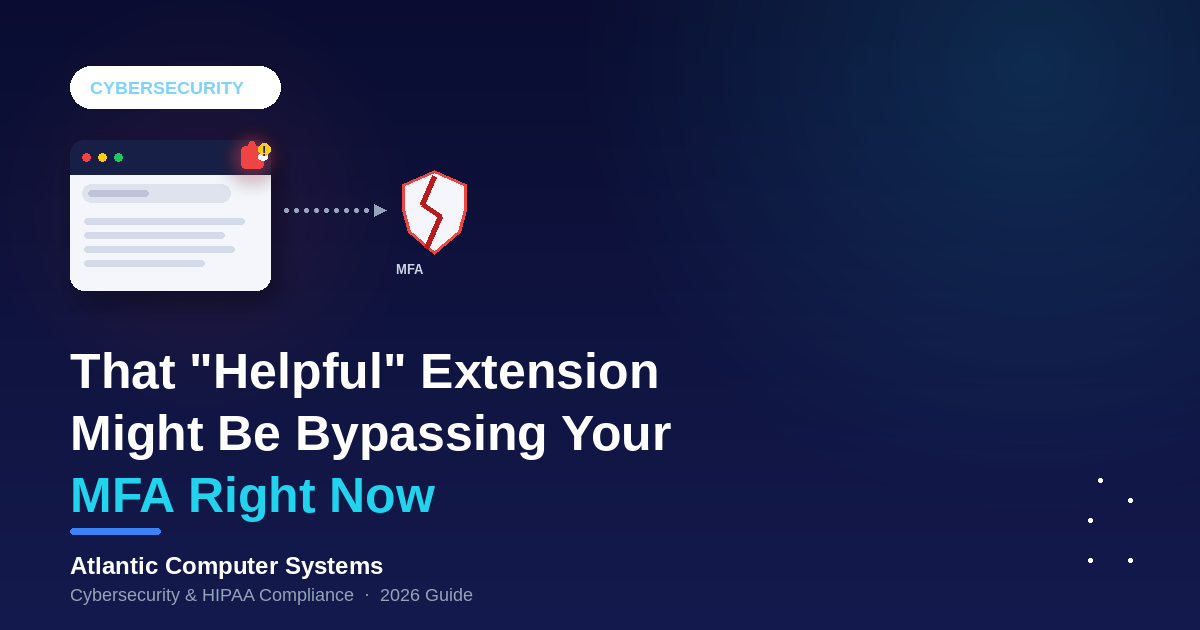
Multi-factor authentication is supposed to be the safety net that stops a stolen password from becoming a full account takeover. In 2026, attackers found a way around it that has nothing to do with cracking passwords or defeating MFA codes: they just wait for the browser session to already be logged in, then steal it.
The delivery method: browser extensions. The kind your staff install in seconds to fix a formatting quirk, summarize a webpage, or “boost productivity.”
What’s actually happening in 2026
This isn’t a theoretical risk. In January 2026, researchers found five Chrome extensions posing as productivity tools for Workday, NetSuite, and SAP SuccessFactors. They harvested authentication cookies every 60 seconds, blocked security admin pages, and enabled full account takeover while bypassing MFA entirely — over 2,300 businesses had them installed before they were caught.
That wasn’t an isolated case. In June 2026, researchers disclosed a fake Perplexity extension that intercepted user searches, and a “Silent Swap” campaign that used a counterfeit Google Notes extension to quietly reroute cryptocurrency transactions. Around the same time, Microsoft pulled 119 malicious extensions from the Edge store that had been hiding malware across roughly 2.6 million installs.
Why extensions slip past your existing defenses
Antivirus and endpoint detection tools were built to watch files and processes on the operating system. A browser extension isn’t a file staff download and run — it’s a piece of code the browser itself agreed to trust, usually with sweeping permissions the user clicked past in two seconds: read and change everything on every website you visit, see your browsing history, access cookies.
Many of these attacks aren’t even malicious on day one. A legitimate extension gets sold to a new owner, or an update quietly adds new permissions and a new payload months after everyone stopped paying attention. The extension already has your staff’s trust — and your browser’s.
Why this matters for HIPAA compliance
Your front desk, billing, and clinical staff spend most of the day inside a browser: the EHR web portal, the clearinghouse, webmail, the patient scheduling tool. A malicious or compromised extension sitting in that same browser can read session cookies for all of it, which means it can access PHI-bearing systems using an already-authenticated session — no password, no MFA prompt required.
That’s a direct hit on the access control and audit safeguards the HIPAA Security Rule requires, and on the MFA protections cyber-insurance carriers now check for explicitly. “We have MFA everywhere” doesn’t hold up as an answer if an unmanaged extension can walk straight past it.
What to actually do about it
The good news: this is a solvable, manageable problem, not a reason to lock down browsers entirely.
- Move to allowlisting: instead of letting staff install anything from the store, set policy through your device management tools so only approved extensions can run. Default-deny, not default-allow.
- Audit what’s already installed: most practices have never inventoried the extensions sitting in staff browsers today. Start there.
- Review permissions, not just names: an extension asking to “read and change all your data on every website” deserves scrutiny even if it’s popular and well-reviewed.
- Remove what nobody uses: every unused extension is attack surface with zero business benefit.
- Watch for updates, not just installs: a clean extension today can push a malicious update tomorrow without staff noticing or approving anything new.
- Train staff on what “productivity extension” risk actually looks like: this is a five-minute addition to existing security awareness training, not a new program.
Where ACS fits in
A free IT and HIPAA assessment includes a look at exactly this: what’s actually installed in your staff’s browsers, whether it’s managed, and how exposed your PHI-bearing systems really are to something this easy to overlook.